Search Properties and Groups
Learn how to search Properties and Groups.
Users can search for one or more Properties.
Type the Property's name in the search bar to find it.

If the Property is a List, you can search the values as well.
Some information about a Property and its settings.
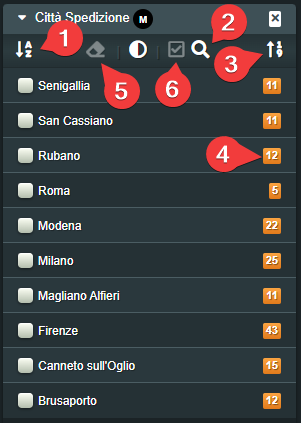
- Sorts in Ascending\Descending order the values.
-
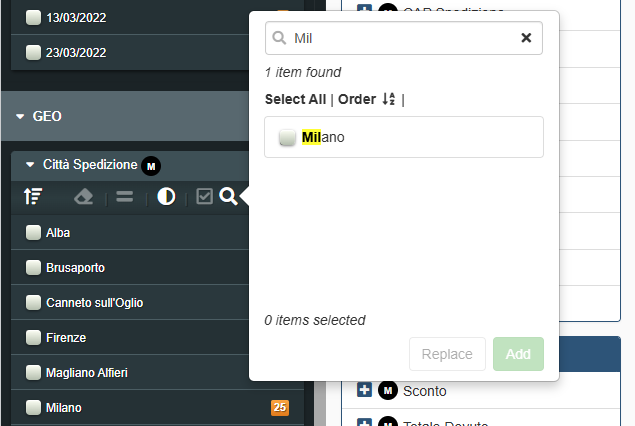
Searches for the value typed in the search bar.
Tip
When you search the Properties' values, you can select all the result from the query by clicking on Select All. (Conversely, click on Deselect All to deselect all the results)

-
Sorts in Ascending\Descending order for the counter of the items having the value.
- Display the number of items having the corresponding value.
- The button resets all the searching options enabled.
-
The button displays a summary of the selected values.
