Added Preview to App Theme
Companies and institutions have their branding icons and color palette that must apply to their eLegere applications. eLegere enables you to customize the appearance of toolbar and rows in the applications through the Application Settings.
From eLegere 3.0 Scuropasso, the App Theme tab in the Application Settings offers a preview of how a color palette will appear in the application.

Expand the menus and customize either the toolbar or how the application highlights new and editable rows. View how the application will appear with the selected icons and colors before saving changes
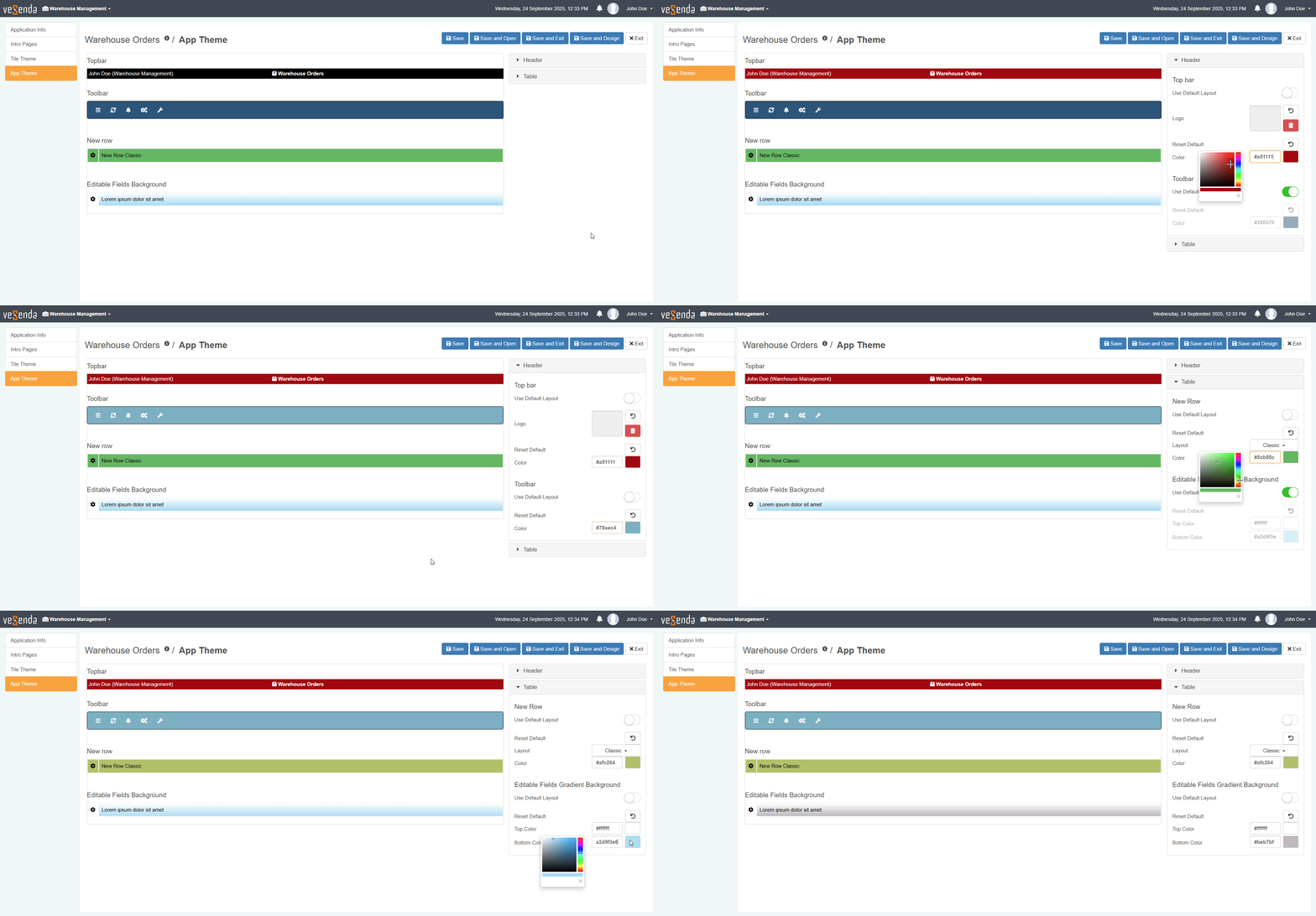
See How to Customize the Application's Theme for more information about how to customize the App Theme. n