Master Rows Can Now Share the Same Detail Rows
Designers can now configure applications so that Master Rows from the main table can share the same Detail rows.
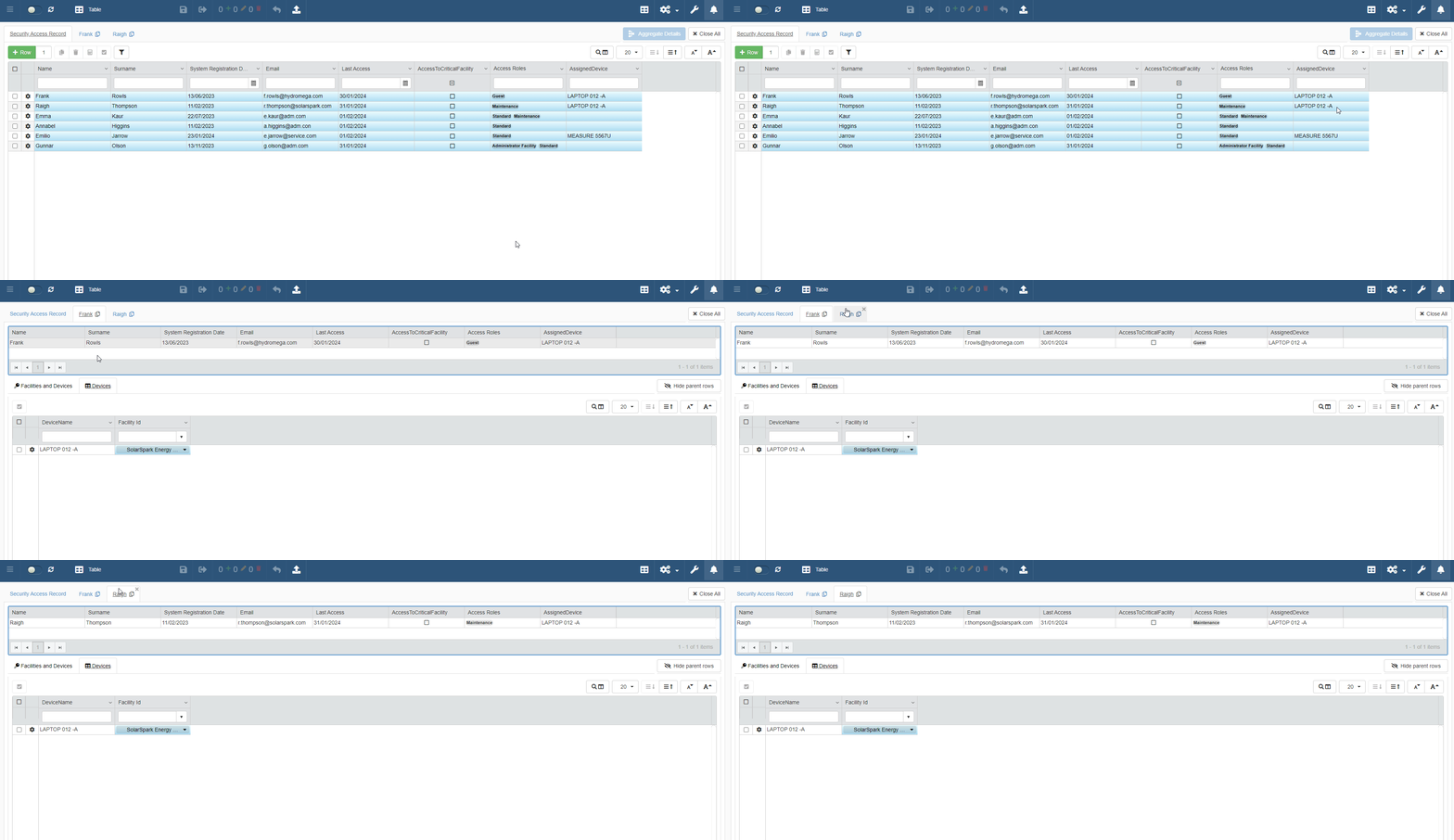
From eLegere 2.15, you can create Detail tables by using Relations established between fields that aren't Unique; e.g. two non-Unique String fields or two Numeric fields. This means that two or more Master rows could share the same set of Detail rows. Detail tables based on non-Unique fields are useful if you need to relate one Detail rows to multiple Master rows.
Details Before eLegere 2.15
Before eLegere 2.15, creating Detail tables required the following:
- Using Relations based on a Unique field (e.g. An Identity Unique field as Source Field and a Numeric Target Field).
- Selecting a Primary Key from the Master table.
From 2.15 and beyond, the Detail tables don't have to satisfy the requirements above.
Designers can do that by building Detail tables between fields that aren't Unique and without the necessity to choose a Primary Key. (See How to Create a Detail and Attach It to a Row for more information about Detail tables and Primary Keys.)
See the When to Use Non-Unique Fields for Detail Tables? section to learn more.
Tip
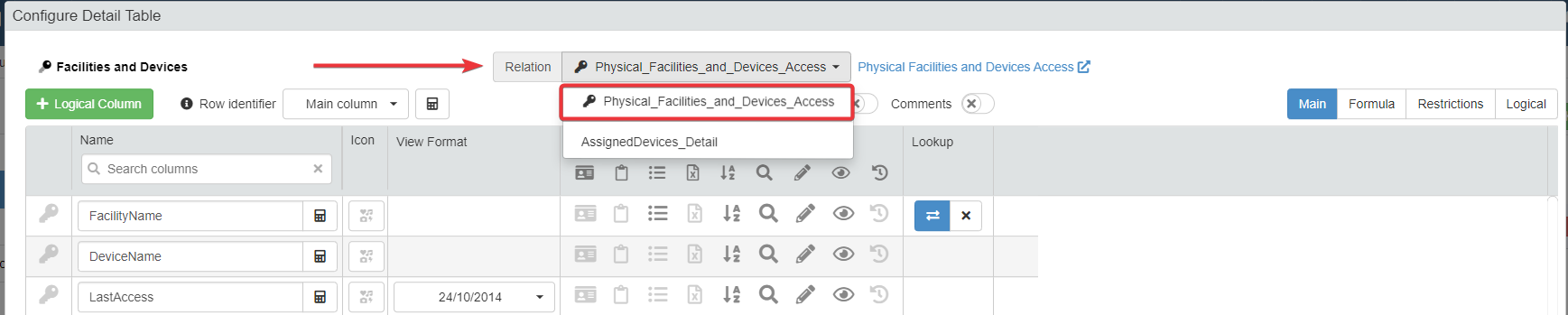
If you select a Unique field as Primary Key and you have a Relation built on it in your application: the drop-down list in the Configure Detail Table window flags the Relations built on the Primary Key with the icon.
Relations that the Designer hasn't built on the Primary Key are listed after the Relations flagged with the icon.
In both the cases, the order is alphabetical.